Peripherals for
every community
Our keyboards and macropads are built for durability, priced for accessibility, and are fully open source.
Hey there, maker!
This is what our community has accomplished together.
8 free
1,781+
 New
New
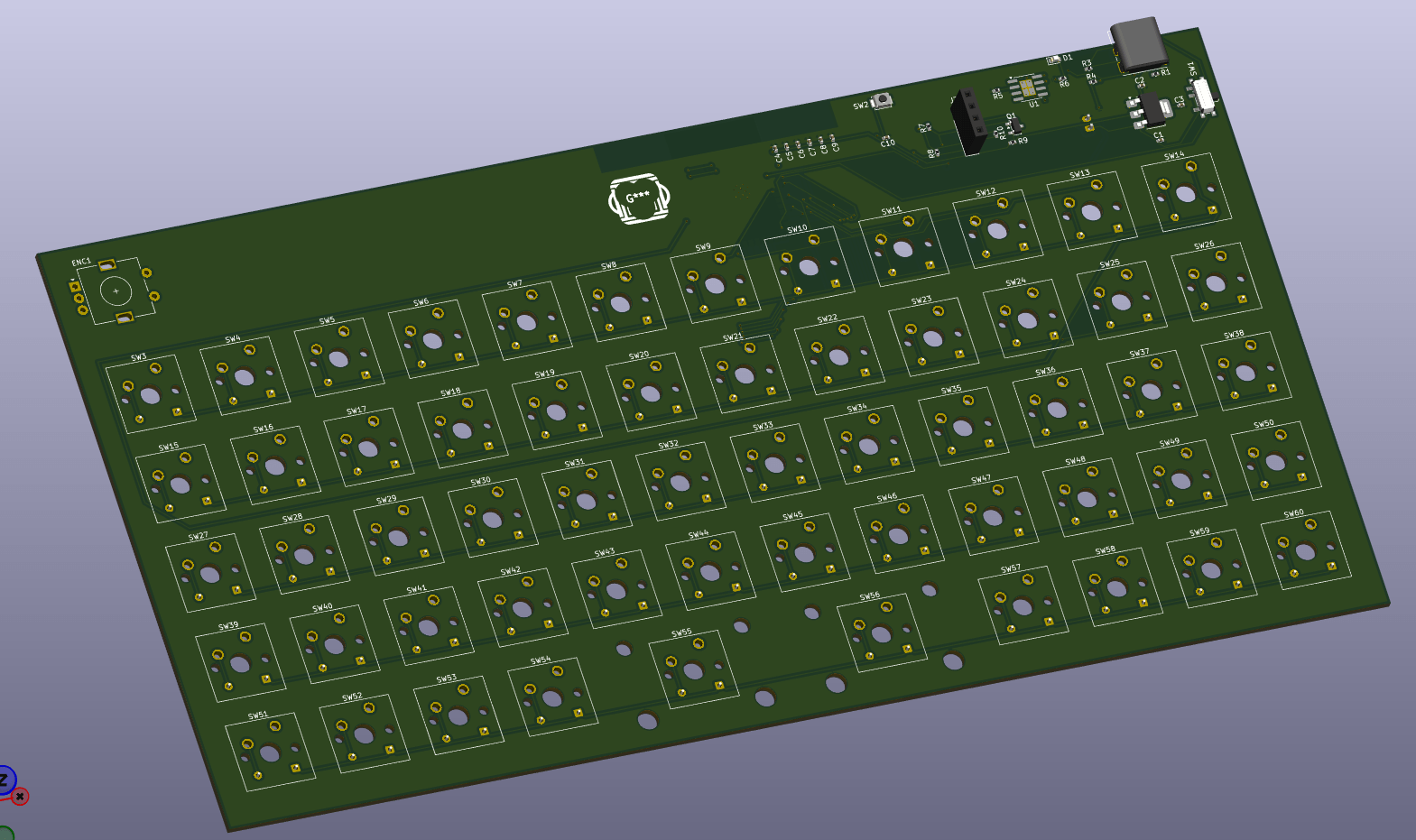
MonkiiBoard58
58 keys, wireless. Designed, not yet built.
 New
New
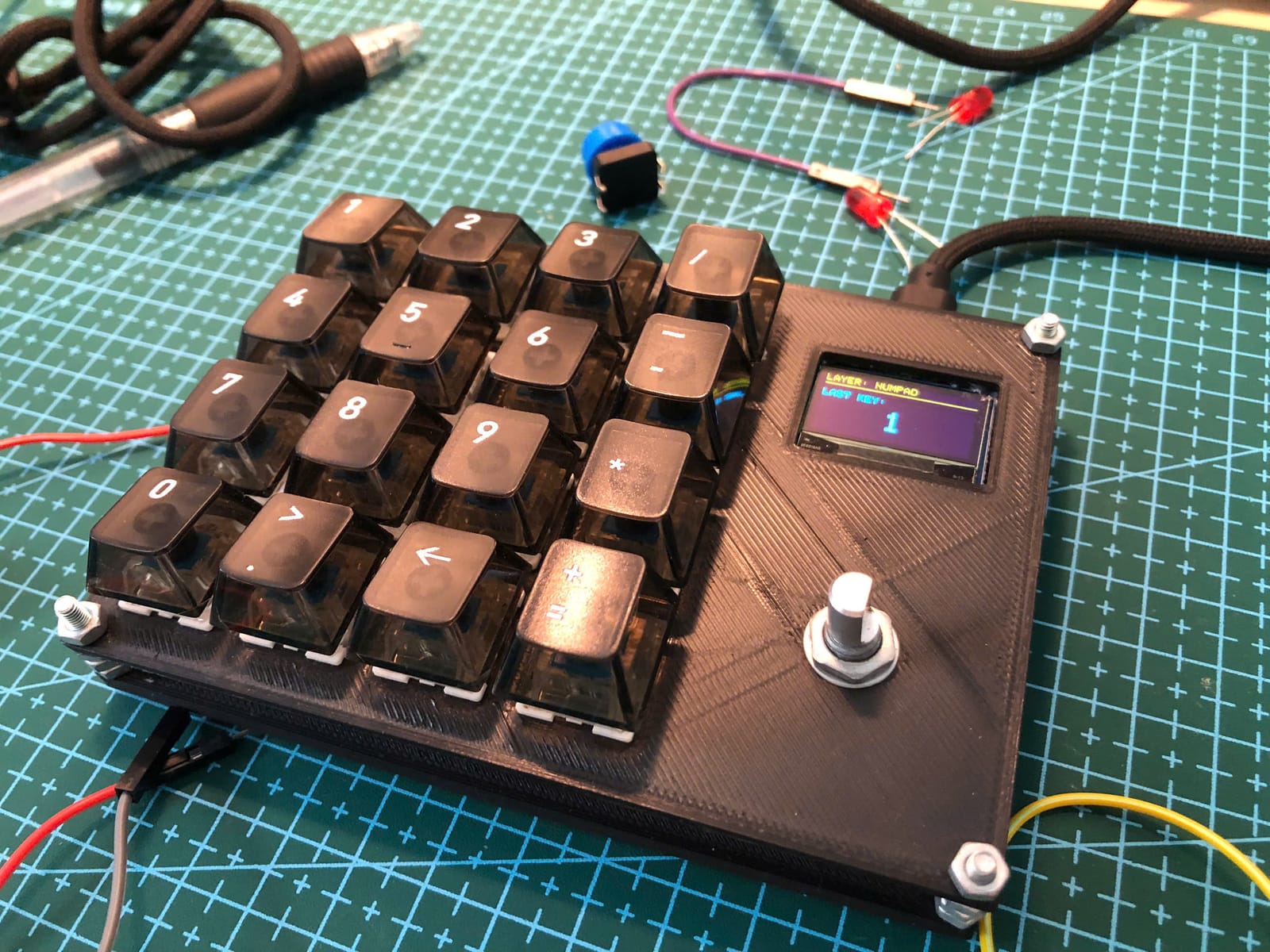
MonkiiPad16
16 keys and a knob, out now.
A peek at our crafts
Newest Release // Build Guide Coming Soon
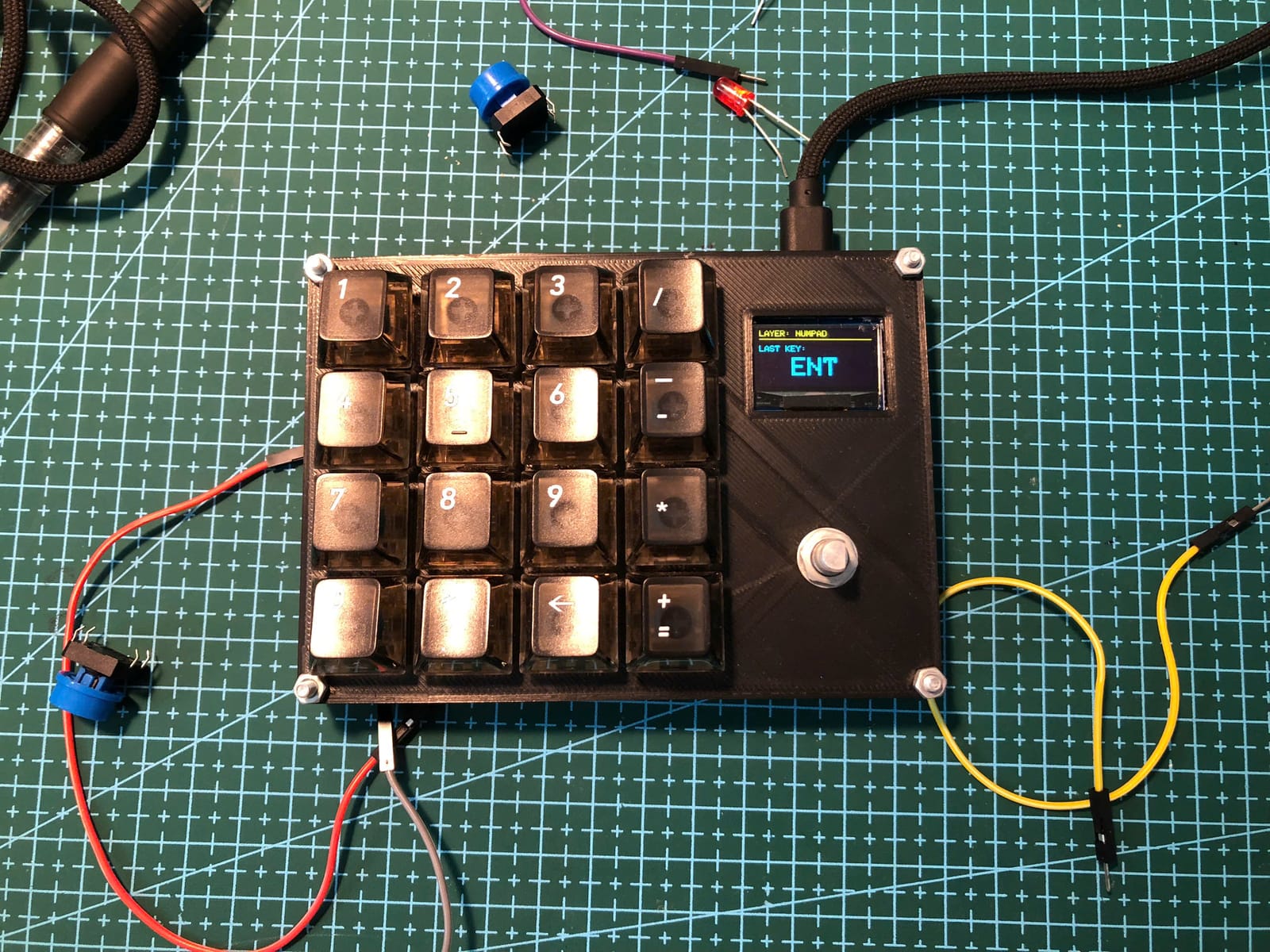
MonkiiPad16
Our newest macropad. Sixteen keys in a clean 4×4 grid, an OLED screen, and a rotary knob you turn to pick a layer and click to lock it in. Same open source sandwich construction you can take apart and rebuild whenever the mood strikes.
Keys
16
Display
OLED
MCU
RP2040
MONKIIBOARD-58
Designing the MonkiiBoard58
How we drew our first wireless keyboard, and why each part is on the board
Blueprint →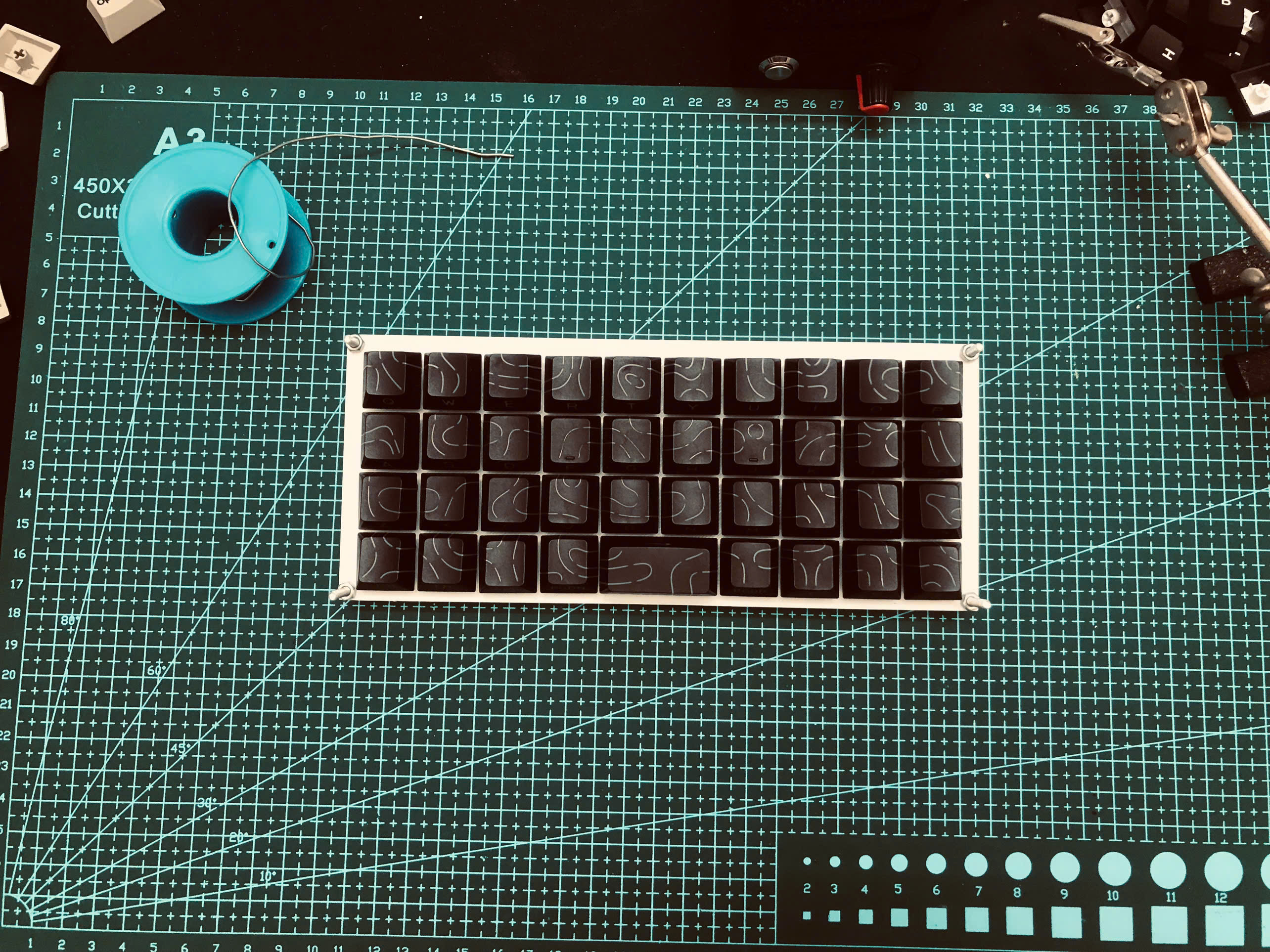
MONKIIBOARD-39
Building the MonkiiBoard39
A complete handwiring guide to building your own 39-key keyboard from scratch
Blueprint →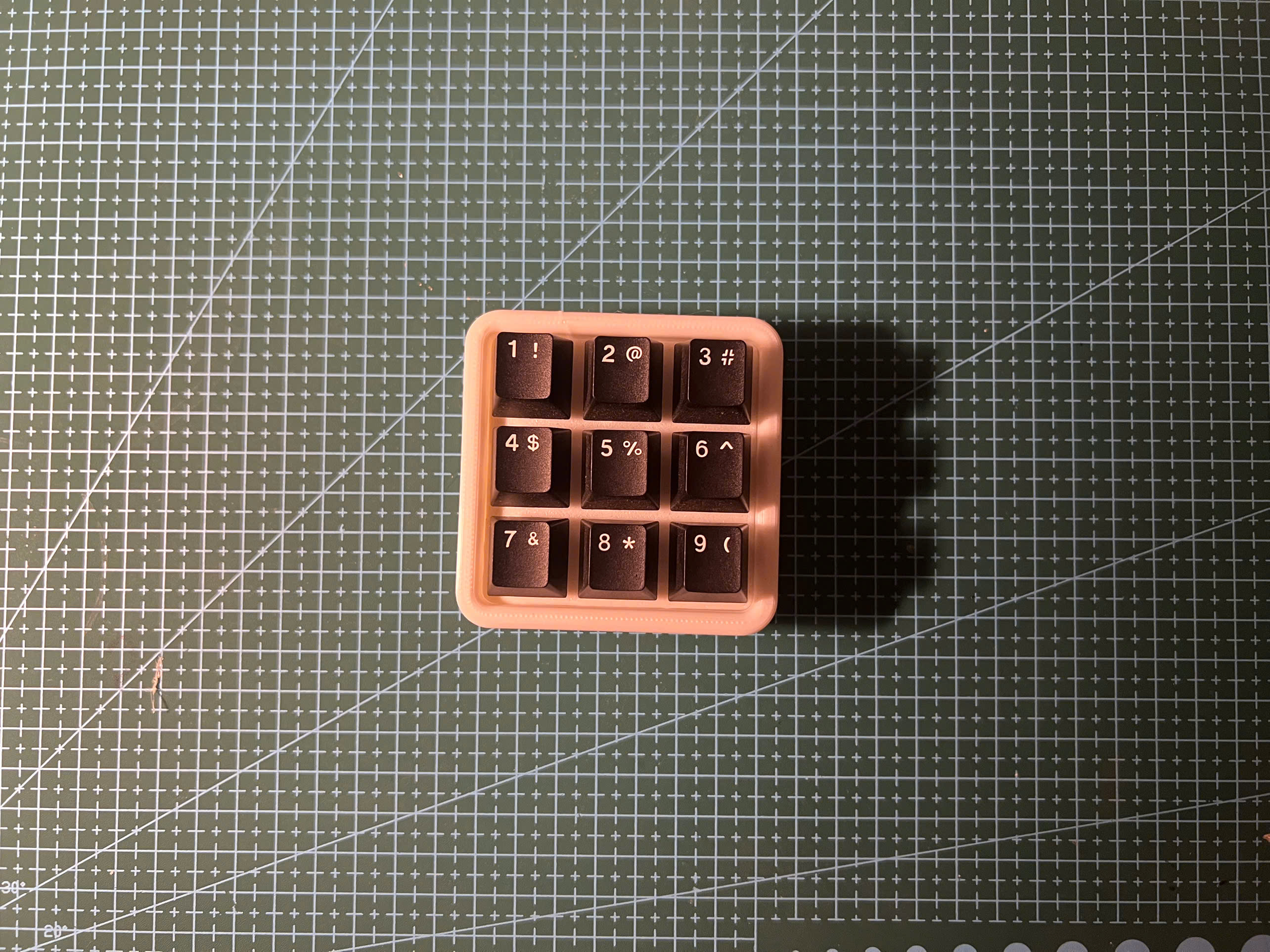
MONKIIPAD-3X3
Building the MonkiiPad3x3
Build your own 9-key handwired macropad and a great first soldering project
Blueprint →
We use the
sandwich method.
So what is it?
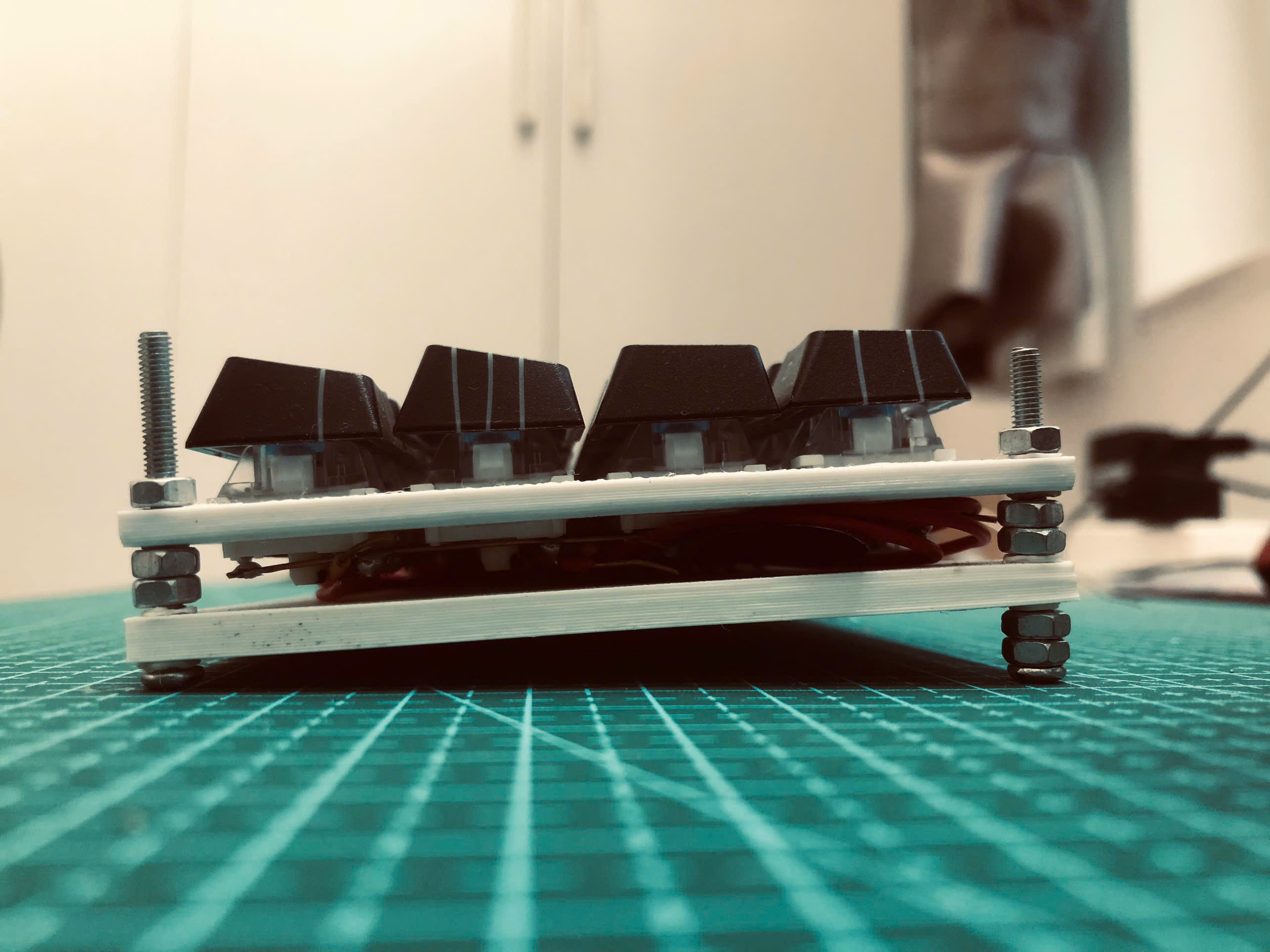
It is exactly what it sounds like: two 3D printed plates with the whole key matrix pressed in between, held shut by a few screws at the corners. That keeps a board cheap to build, and it means that when something inside goes wrong, you just undo the screws, lift the top plate, and fix it.
Cheaper to build
No case, no mould, no group buy. Two printed plates and the filament they cost.
Opens in a minute
Undo the corner screws, lift the top plate, and the whole matrix is in front of you.
0.2mm
Layer
PLA
Material
M2
Screws
Want your own layout?
Remap every key in the browser, set your pins, add macros and layers, then download a ready-to-flash Arduino sketch. No account, nothing to install.
0
Community
People from around the world, building together.
0
Countries
India, Vietnam, USA, Philippines, Germany, Thailand, England & Indonesia.
0
Guides
Step-by-step walkthroughs, free to follow.
Ready to build?
Open-source designs. Free forever. No sign-up required.
Build Together.
Join the community sharing blueprints, troubleshooting circuits, and showcasing their builds.